Food, Consumables & Vending
The Hunger & Thirst system adds realism to Logic and requires you to manage your character’s needs while playing.
If ignored, it can affect your gameplay so make sure you stay fed and hydrated.
🧠 How It Works
- 🍗 Hunger and 💧 Thirst decrease over time
- ⚠️ If levels get too low, you will see visual effects
- You must consume food or drinks to restore them
🛡️ When Is It Active?
- Automatically active when you are:
- Clocked on to a Faction
- Clocked on to an RP Organisation
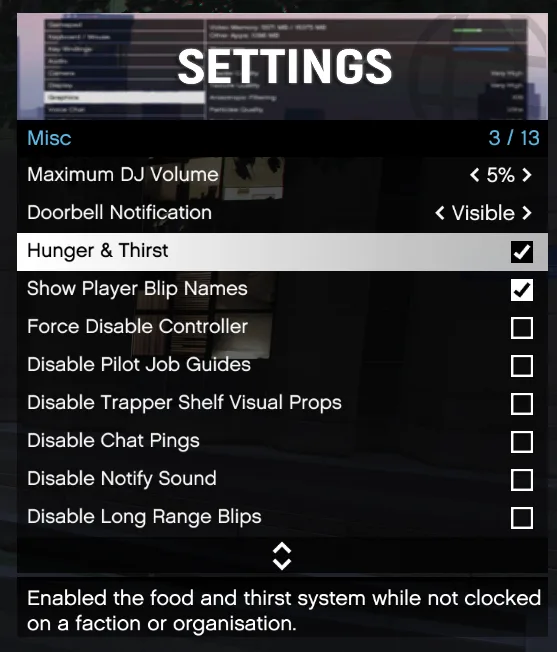
⚙️ Enable Hunger & Thirst (Optional)
You can enable this system even when off-duty:
- Press F2 to open the settings menu
- Go to the Miscellaneous tab
- Enable Hunger & Thirst
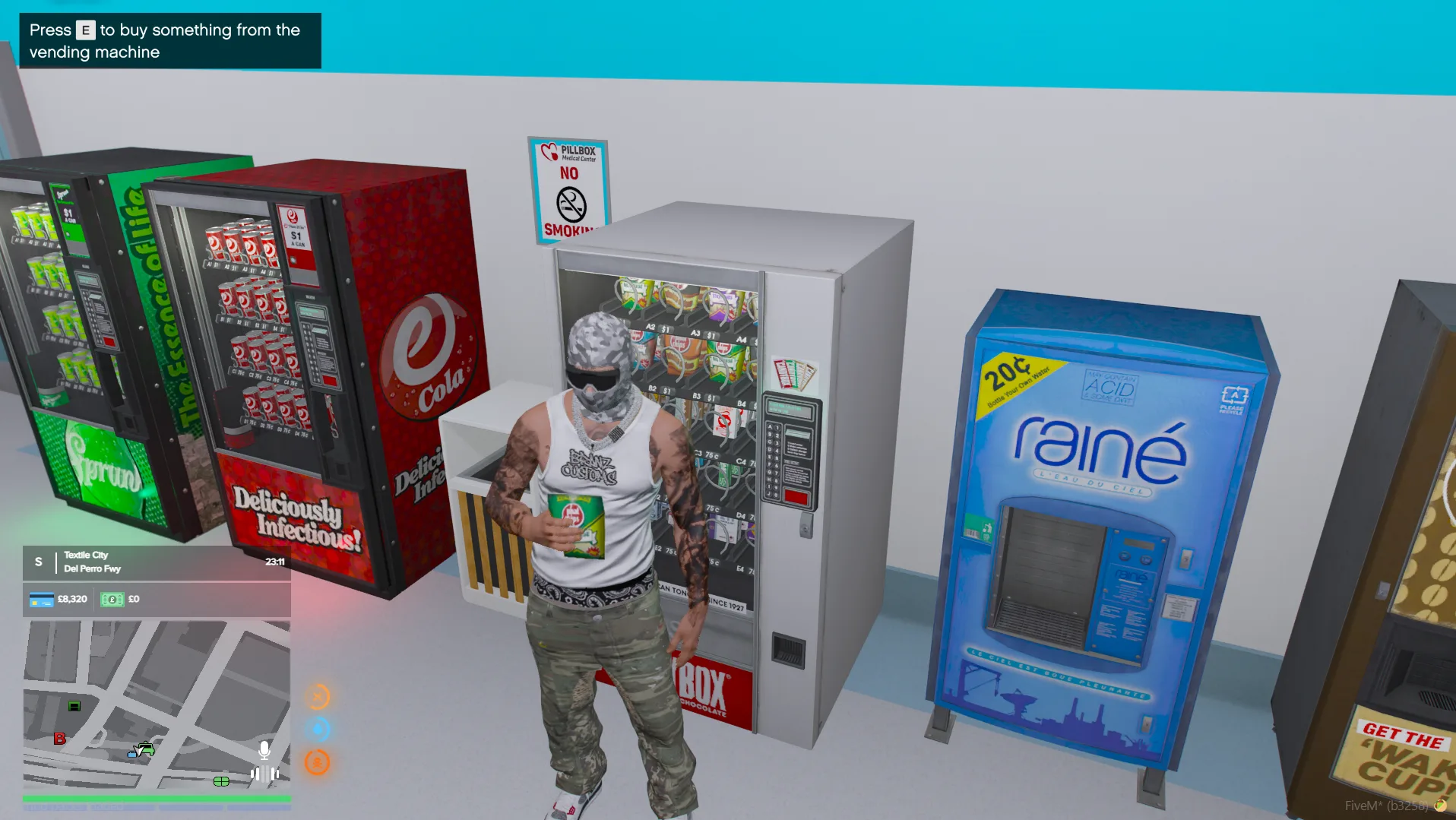
🥤 Using Vending Machines
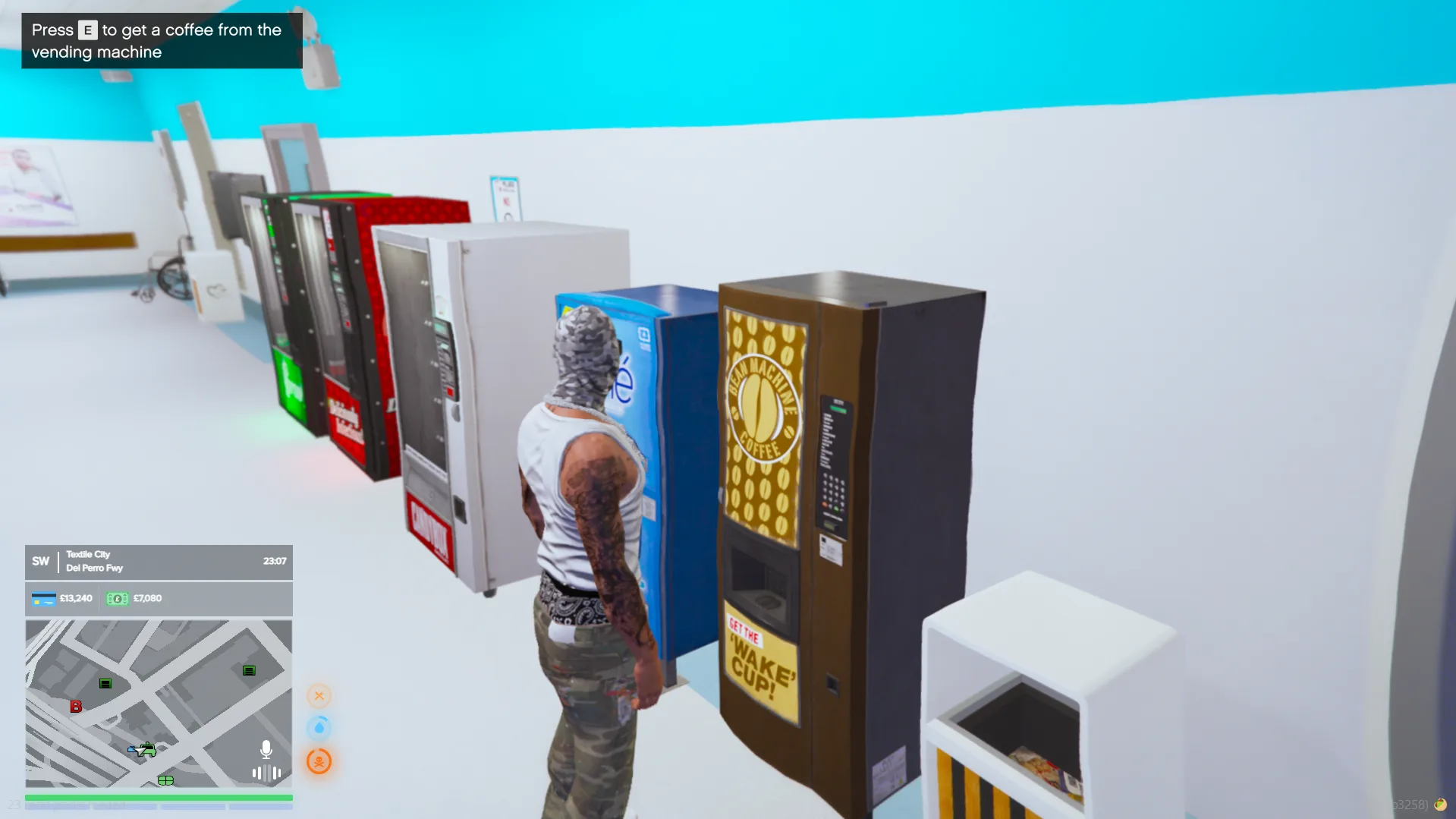
To restore your Hunger & Thirst:
- Find a Vending Machine
- Press E to interact
🛒 Buying Items
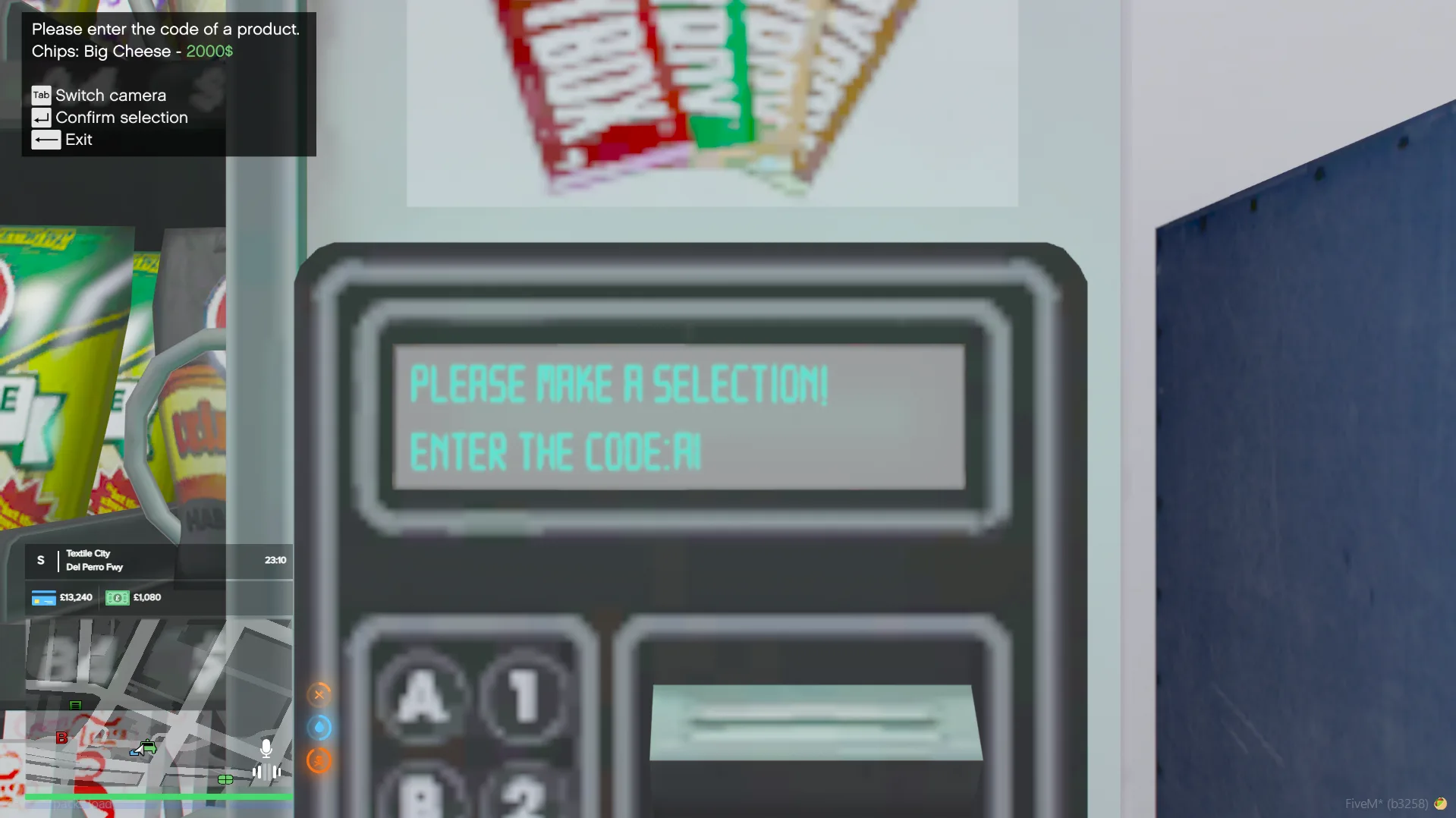
Once the menu opens:
- View the available items
- Type the code of the item you want
- Press Enter to confirm
🍫 Consuming Items
- Your character will consume the item
- 🍗 Hunger and 💧 Thirst will increase